How It Works
Get connected in 4 simple steps and enjoy high-speed mobile data on your trip
Step 1Choose your destination & data plan
Browse our destinations page and select the eSIM data plan that fits your trip. We offer plans covering Asia, Europe, Americas, and more.

Step 2Complete your purchase
Complete your purchase via secure Stripe checkout. After payment, you'll instantly receive your eSIM QR code and installation instructions.

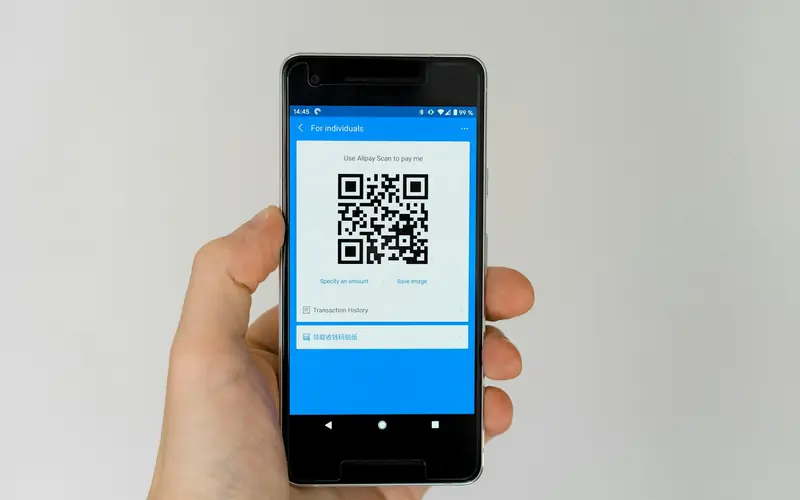
Step 3Scan QR code to install eSIM
Use your phone camera or the eSIM installation option in Settings to scan the QR code. The whole process takes just 2-3 minutes.
Step 4Activate when you arrive
When you arrive at your destination, turn on data roaming and you're connected. Some plans activate automatically upon first network connection.

iOS Installation (iPhone XS or later)
- Go to Settings > Cellular > Add eSIM
- Select "Use QR Code"
- Scan the QR code we provided
- Confirm the new data plan
- Label your eSIM (e.g., "Travel")
- Choose whether to set this eSIM as default data line
- Done! Turn on "Data Roaming" when you arrive at your destination
Android Installation (Samsung / Google Pixel / other supported devices)
- Go to Settings > Connections > SIM Card Manager
- Tap "Add mobile plan"
- Select "Scan carrier QR code"
- Scan the QR code we provided
- Confirm and download the eSIM profile
- Wait for installation to complete (about 1-2 minutes)
- Done! Turn on "Data Roaming" when you arrive at your destination
Tips
- •We recommend installing the eSIM before departure and activating it upon arrival
- •Make sure your phone is connected to Wi-Fi before installation
- •Each QR code can only be used once — do not delete an installed eSIM
- •After installation, you can toggle the eSIM line on/off in Settings anytime
- •If you encounter any issues, contact our support team via WhatsApp